Using Chaos Line with Ableton Live
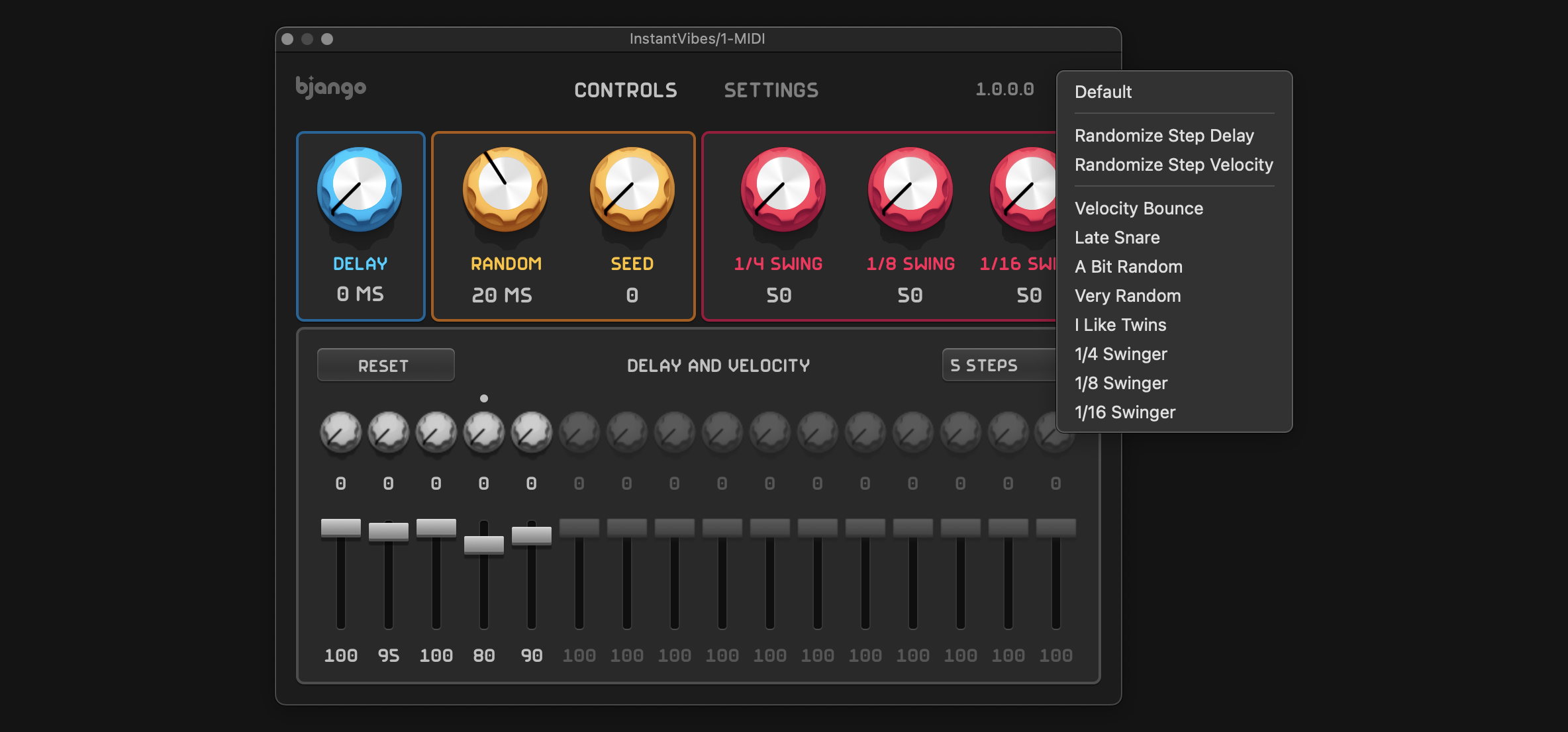
Chaos Line is a MIDI sequencer plugin. It runs as a MIDI effect in audio apps. This means the setup is a bit different to normal audio effects plugins.
1. Create two MIDI tracks #
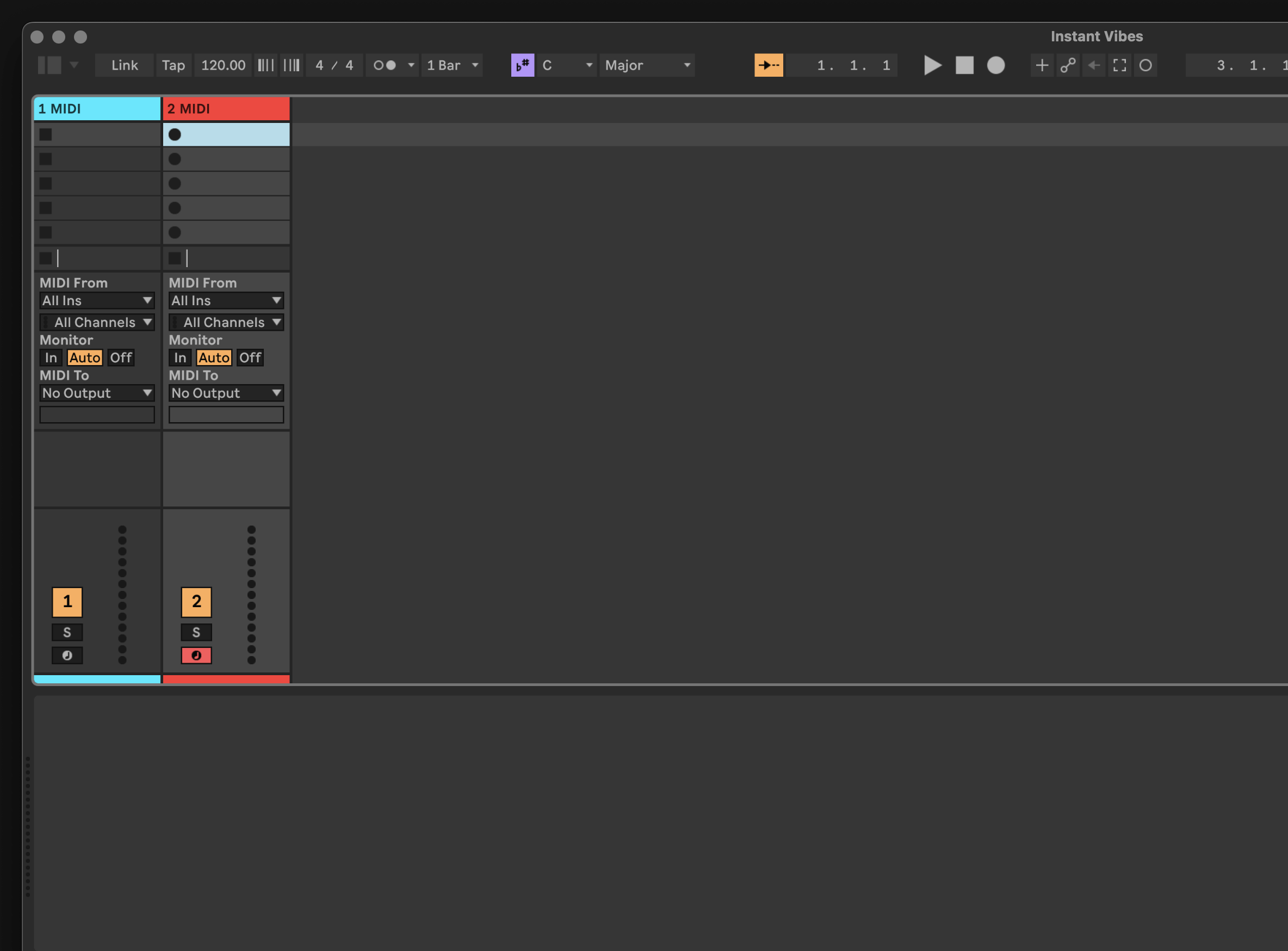
Start by creating two MIDI tracks. One will be used for Chaos Line, and the other will be used for your instrument.
2. Add Chaos Line #
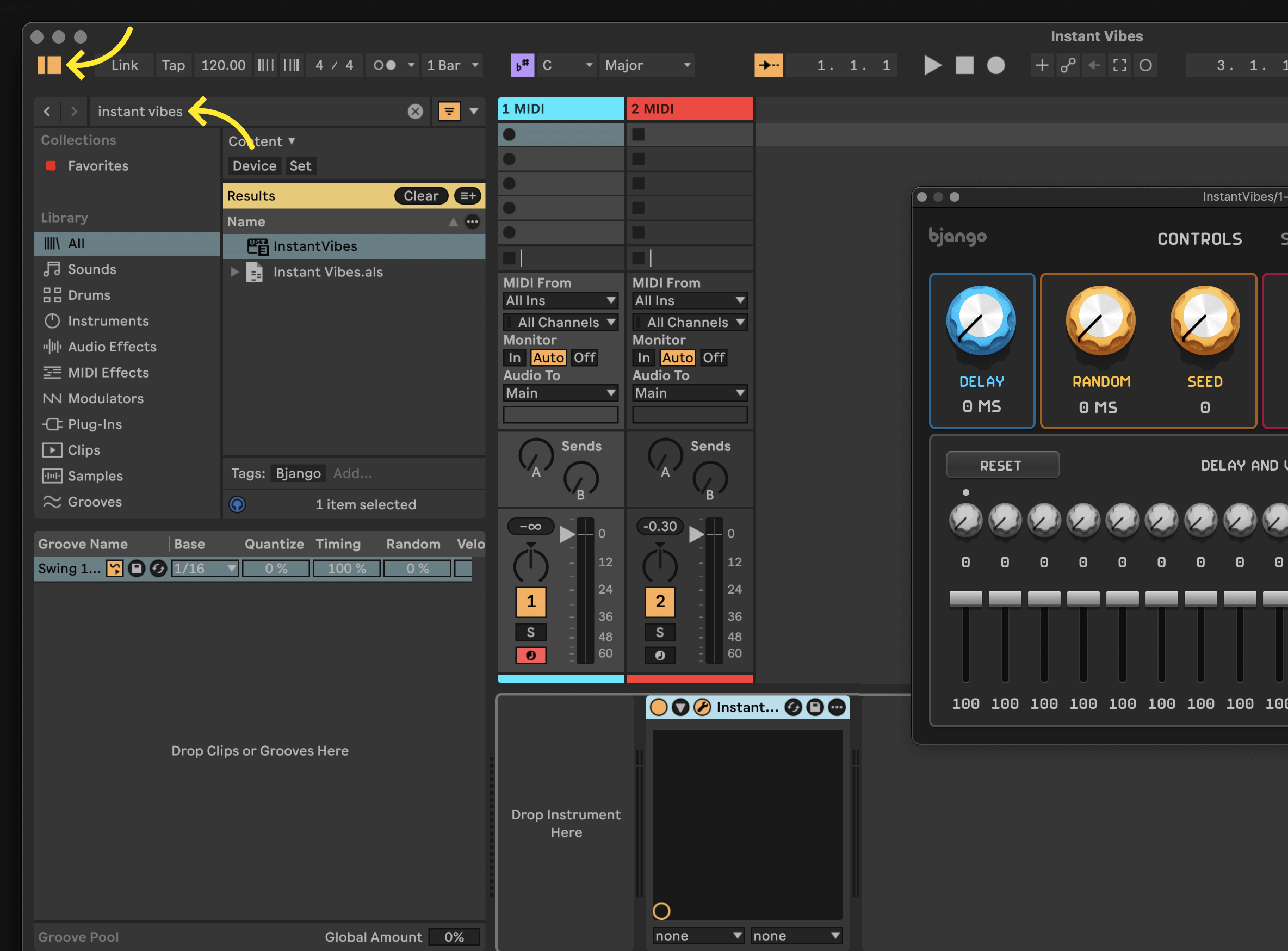
Select the first MIDI track, then open the browser by clicking the button at the top left of the window, and search for Chaos Line. Double click Chaos Line in the search results to add it to the track.
3. Add an instrument #
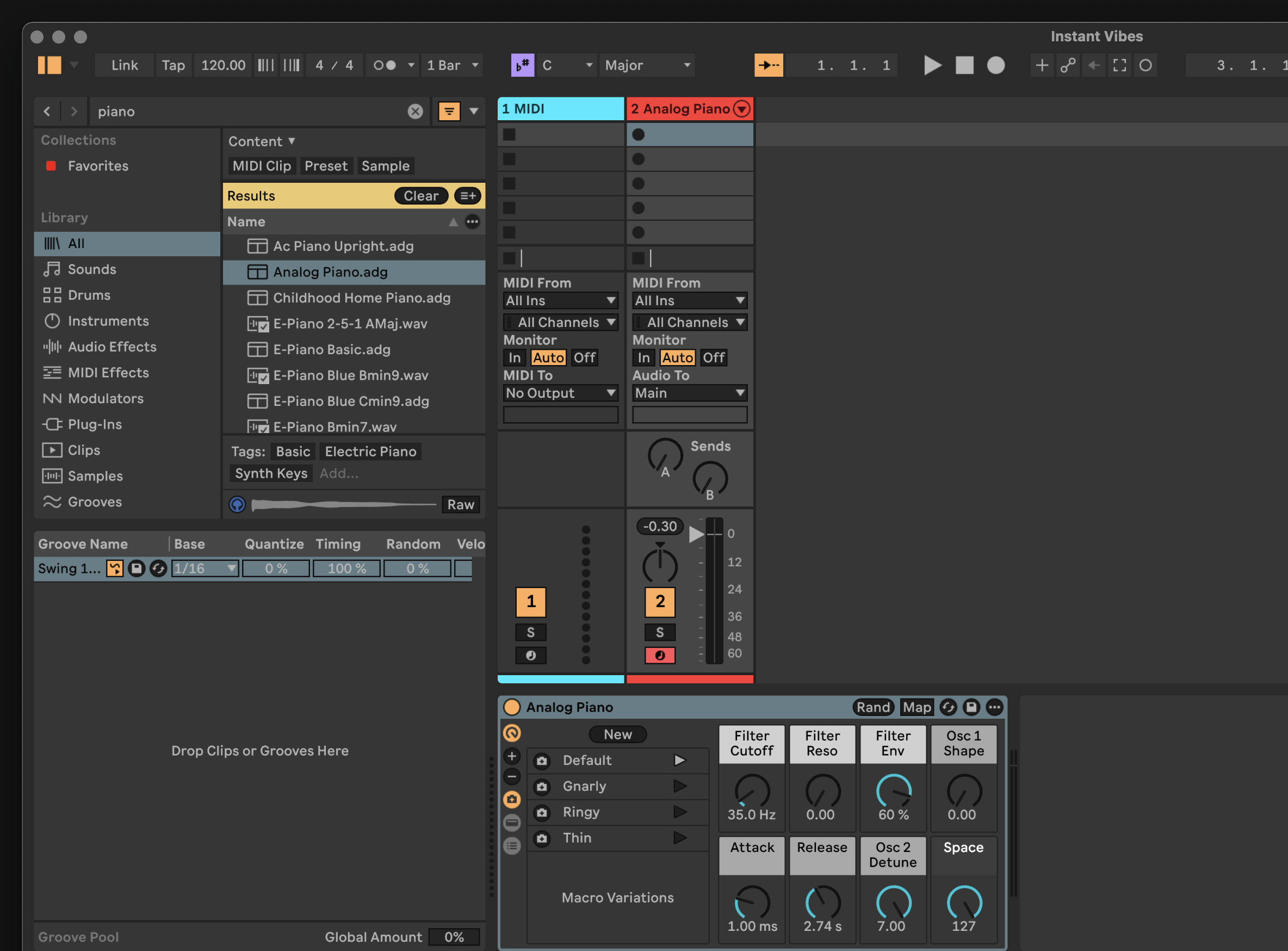
Select the second MIDI track, then add an instrument. This can be done in the same way as the previous step — search by typing an instrument name into the search field and then double clicking the name of the instrument to add it to the track.
4. Set up MIDI routing #
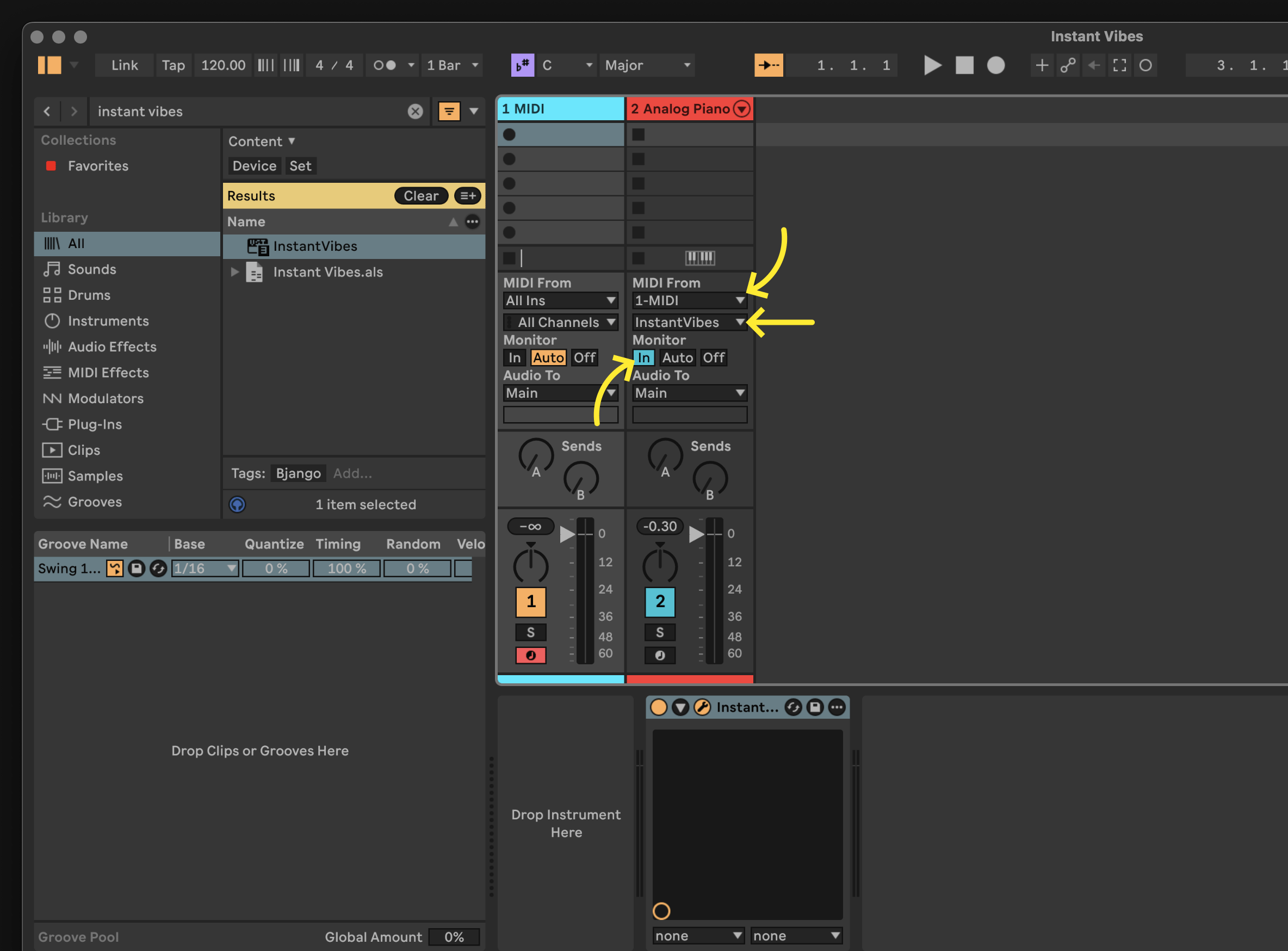
In the second MIDI track, set up the routing. There’s three steps:
- Change the first
MIDI fromitem to match the first MIDI track. - Change the second
MIDI fromitem to be Chaos Line. - Change
Monitorto beIn.
You should now be able to play the instrument, modified by Chaos Line, by placing MIDI regions on the first MIDI track (the one with Chaos Line).
You’re all ready to go! The button on the top right of the plugin contains some presets that can help you get started.