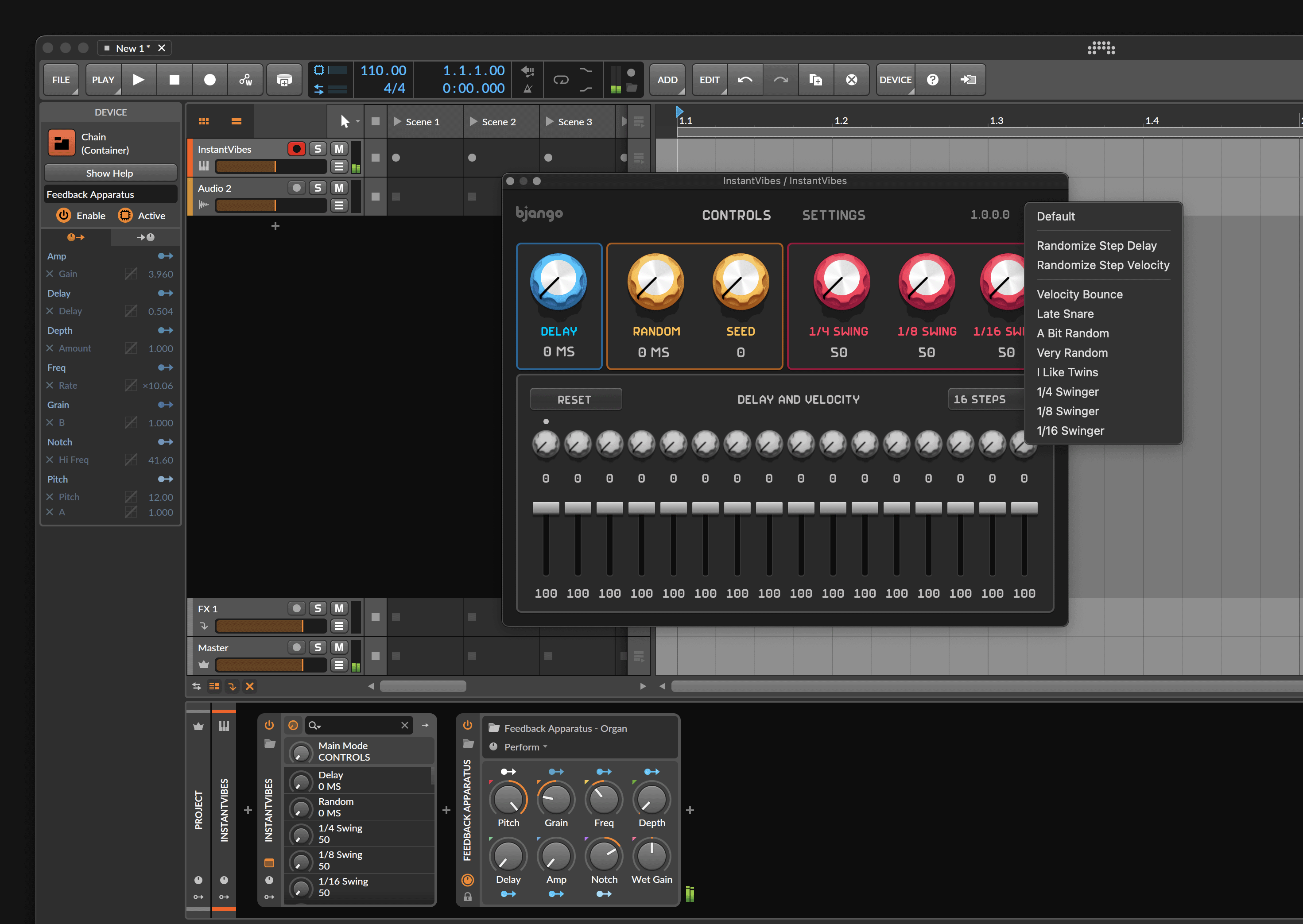
Using Instant Vibes with Bitwig
Instant Vibes is a human MIDI groove unquantizer plugin. It runs as a MIDI effect in audio apps, changing the timing or velocity of notes. This means the setup is a bit different to normal audio effects plugins.
1. Add a Instant Vibes to an instrument track #
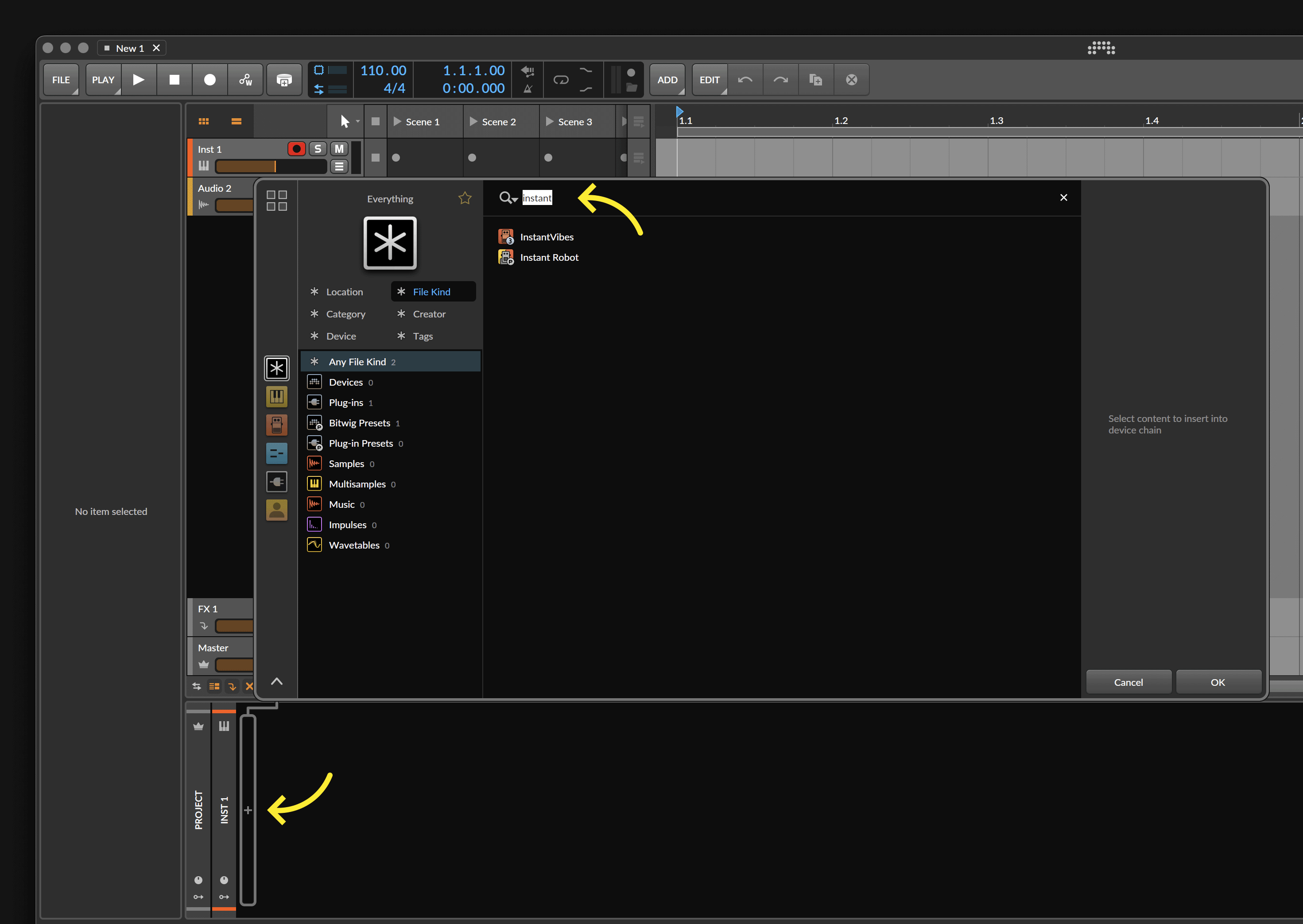
On an instrument track (not an audio track), add Instant Vibes in the MIDI FX section of the channel. Searching for Instant Vibes with the search filter set to all kinds is a quick way to add it. The instrument track will also need an instrument on it. That may be obvious, but we thought we’d mention it! Instant Vibes processes MIDI notes and doesn’t make any noise itself.
2. Change some settings #
You’re all ready to go! The button on the top right of the plugin contains some presets that can help you get started.