Welcome to Instant Vibes
Thanks for spending some time to get more familiar with Instant Vibes. Instant Vibes is a human MIDI groove unquantizer plugin.
It runs as a MIDI effect in audio apps, changing the timing or velocity of notes. This means the setup is a bit different to normal audio effects plugins. We have setup guides for Ableton Live, Bitwig, Cubase, FL Studio, Logic Pro, and Reaper.
Delay #
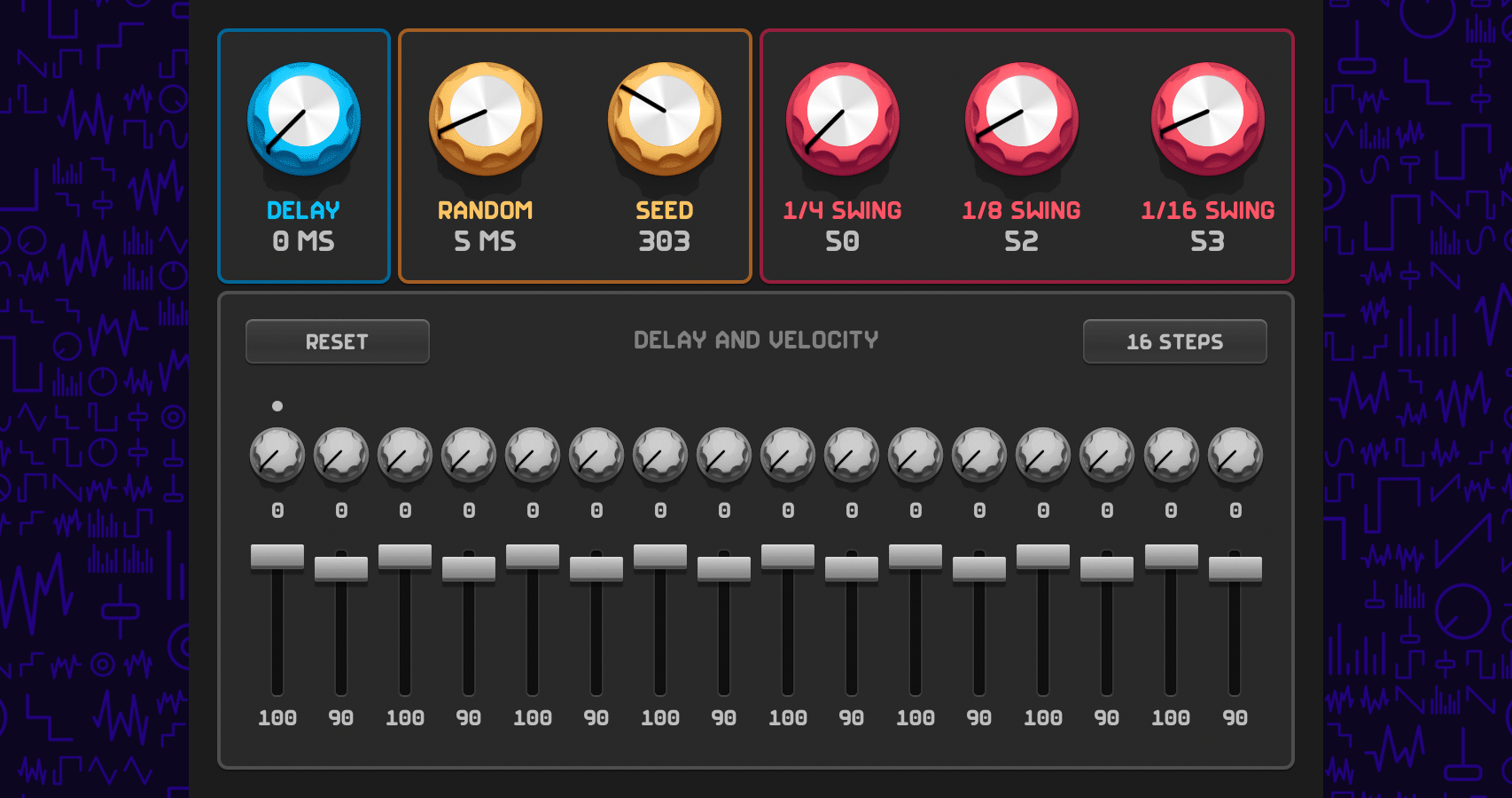
The delay parameter sets a fixed amount of delay for all incoming MIDI note events in milliseconds.
Random and seed #
The random delay parameter sets the maximum amount of delay for all incoming MIDI note events in milliseconds. Each event processed will be between 0 milliseconds and the maximum amount set.
The seed provides a seed that is used to calculate the random delay time. Put simply, instances of Instant Vibes that have the same seed will delay notes by the same amount, for that position in the song. If you’d like the random delay time to be different on different instances of Instant Vibes, use a different seed for each.
Instant Vibes uses pseudo-random numbers, which provides the control mentioned above.
Swing #
The swing section lets you blend 1/4 note swing, 1/8 note swing, and 1/16 note swing.
Instant Vibes features realtime swing, using time compression and expansion. This is MPC-style swing. It warps the time between beats by compressing and expanding time. It’s different to how many music apps handle swing.
Delay and velocity #
The delay and velocity section features a sequencer, that lets delay times and velocity scaling be specified for each step. The step length can be set from 1 to 16 steps.
Delay times are in milliseconds. Velocities are percentages. Incoming velocities are scaled by the percentage of the step. For example, if the Instant Vibes step was set to 50 and a MIDI velocity value of 64 was being processed, the result would be a velocity value of 32 (50% of 64). Think of the velocity step sliders as volume sliders for each step.
The delay steps can be randomized via Randomize Step Delay in the overflow menu. The velocity steps can be randomized via Randomize Step Velocity. If you’d like to quickly randomize the delay and velocity steps, option-click the Reset button.

Presets #
Instant Vibes includes some factory presets under the overflow menu. Instant Vibes doesn’t have a way to save presets inside the plugin, but almost all music apps (all music apps?) have a way to do it. For example, in Logic Pro, open the preset menu at the top of the plugin window and choose Save As. In Bitwig, right click the device header and choose Save Preset to Library. Please consult your music app’s documention to see how to save plugin presets.
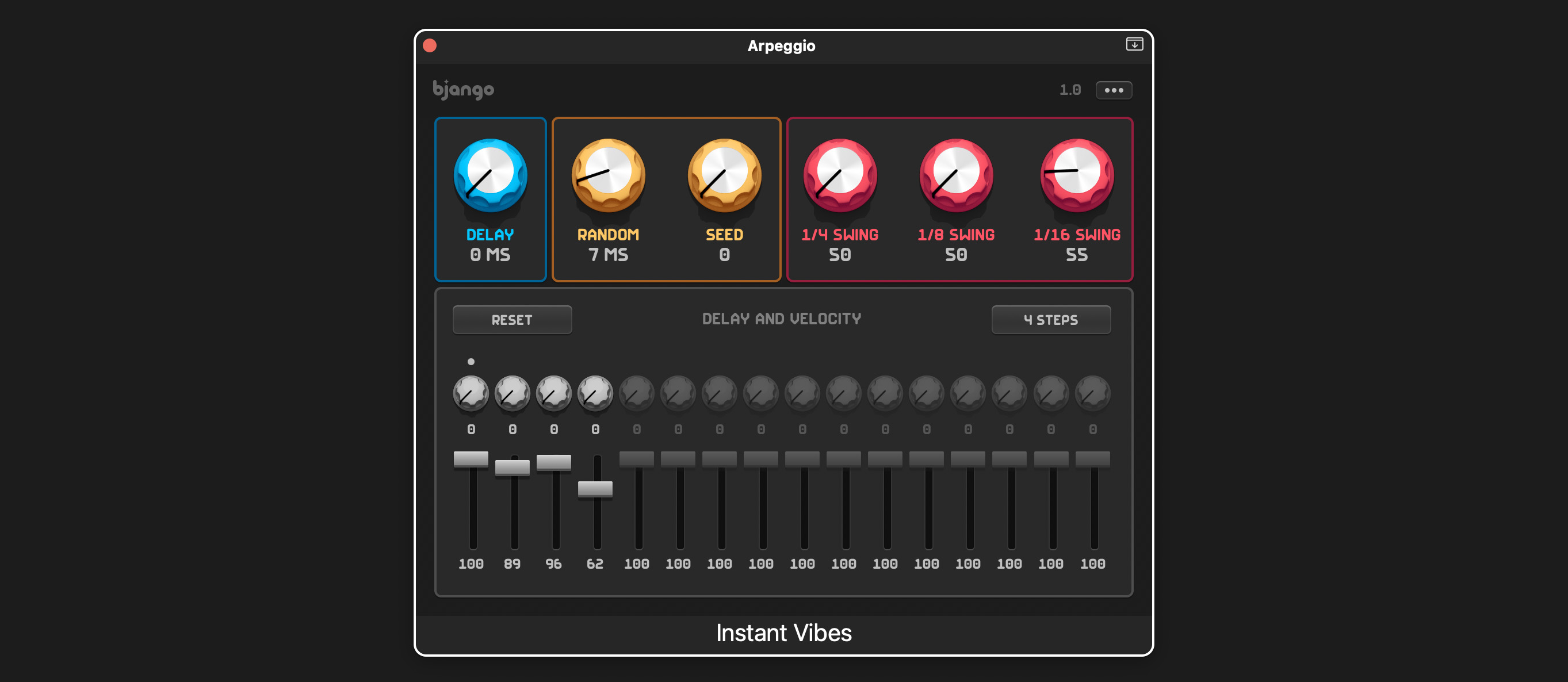
Arpeggio example settings #
The Instant Vibes settings used for the arpeggio example.
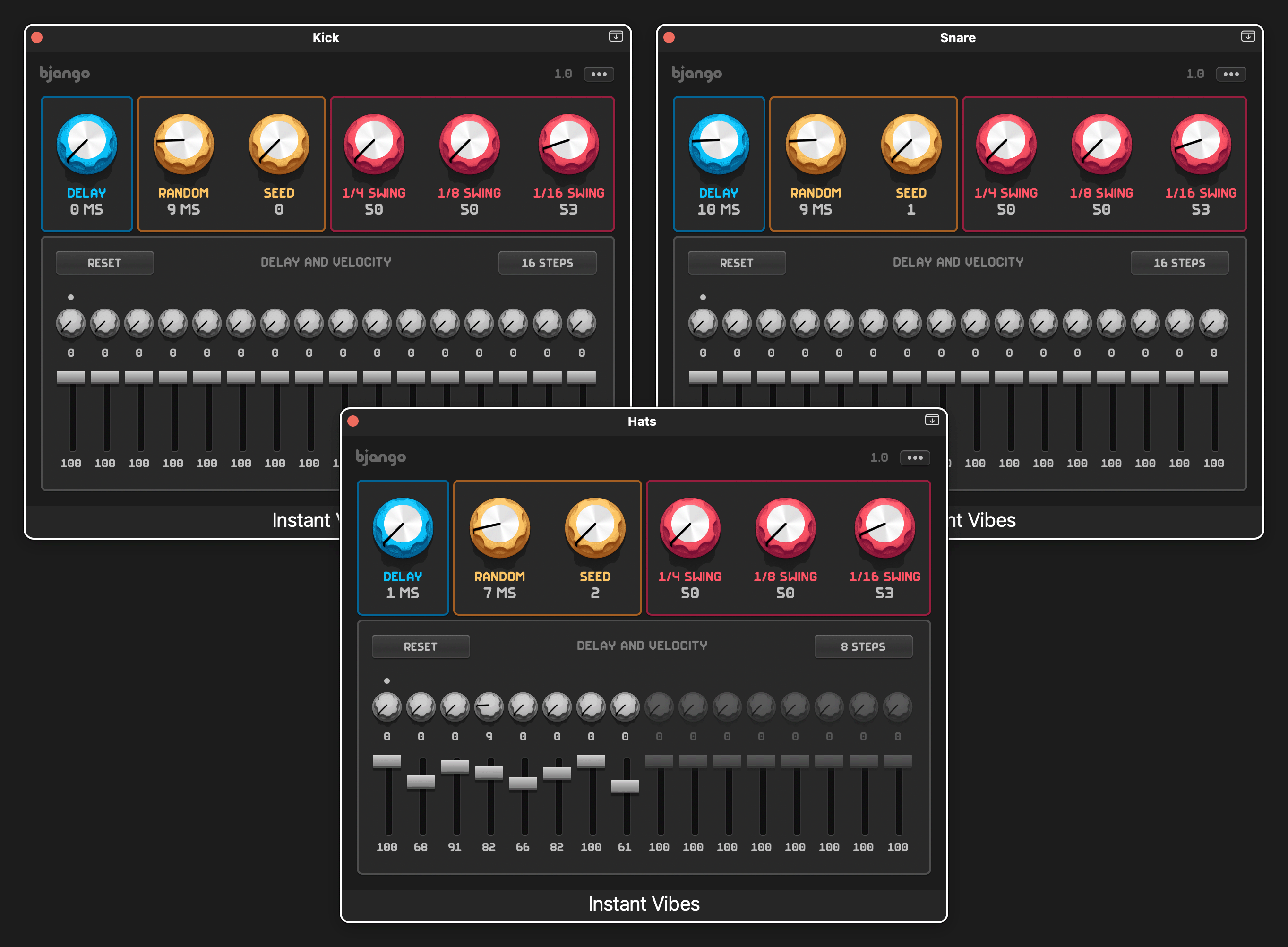
Drums example settings #
The Instant Vibes settings used for the drums example.
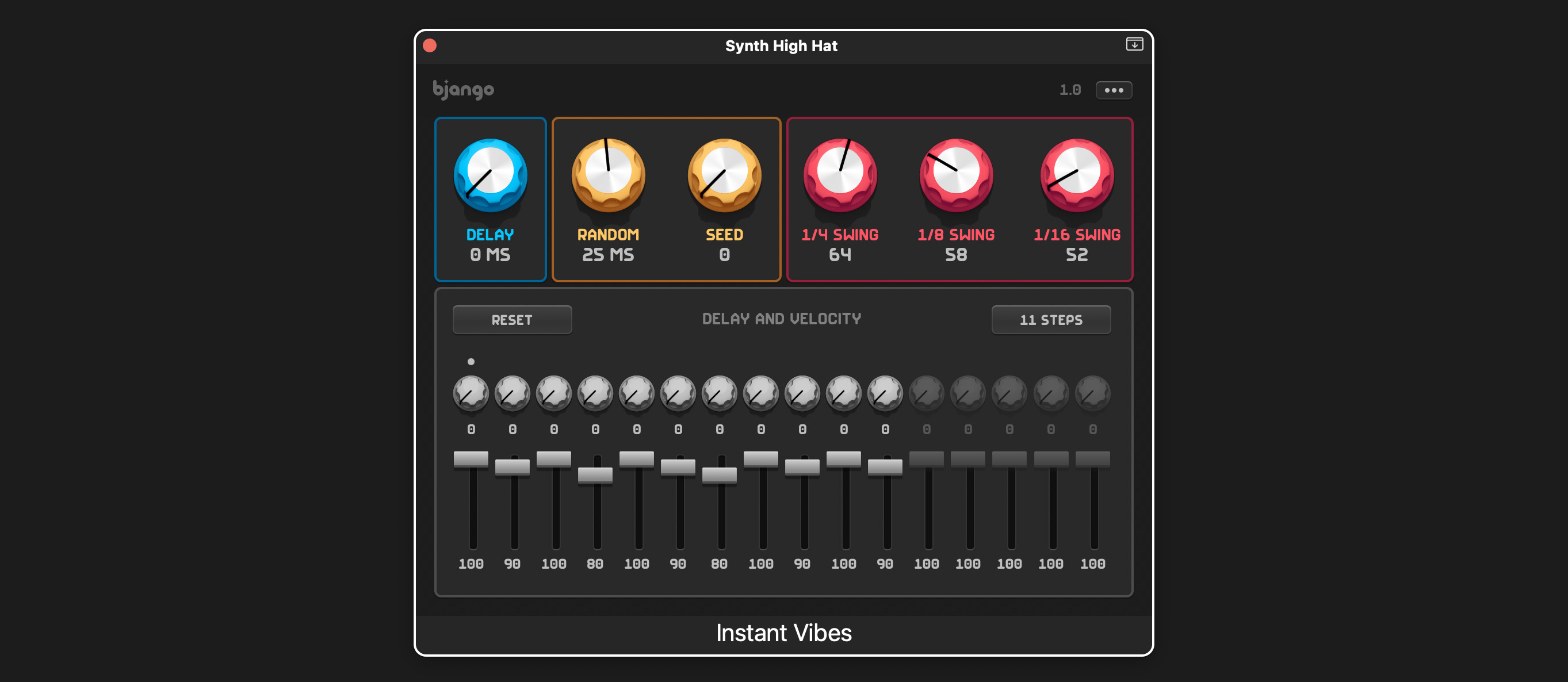
Synth hihat example settings #
The Instant Vibes settings used for the synth hihat example.
Instrument version #
Some apps, like Mixcraft and Fender Studio One, require MIDI effects plugins to be tagged as an instrument. We have a special version of Instant Vibes for apps with this requirement. If the main version of Instant Vibes doesn’t work in your music app, please try the version below.